
Getting Started with JavaScript
A complete guide to start your journey in web development with JavaScript.
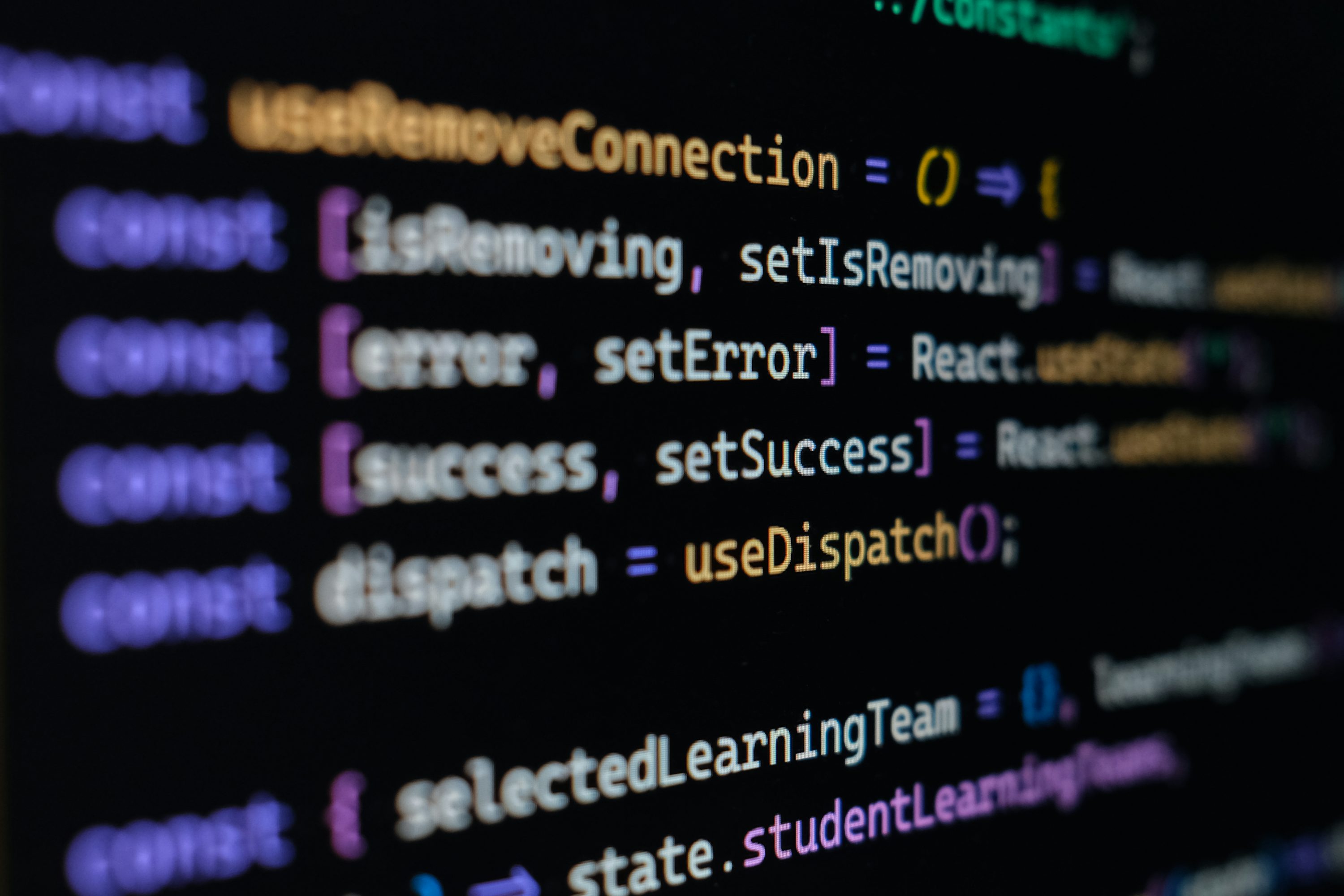
What is JavaScript?
JavaScript is a programming language that adds interactivity to web pages, allowing you to create dynamic and responsive experiences for users.
As one of the core technologies of web development, JavaScript works alongside HTML and CSS to build feature-rich web applications.
Why Learn JavaScript?
Enhance Web Interactivity
JavaScript brings web pages to life, enabling interactive elements like forms, animations, and real-time updates.
Foundation for Web Development
Understanding JavaScript is essential for modern web development, providing a solid base for frameworks like React, Angular, and Vue.
Versatile and Powerful
JavaScript can be used on the client-side and server-side, making it a versatile language with broad applications.
In-demand Skill
JavaScript is one of the most sought-after skills in web development, offering great career opportunities.
JavaScript Basics
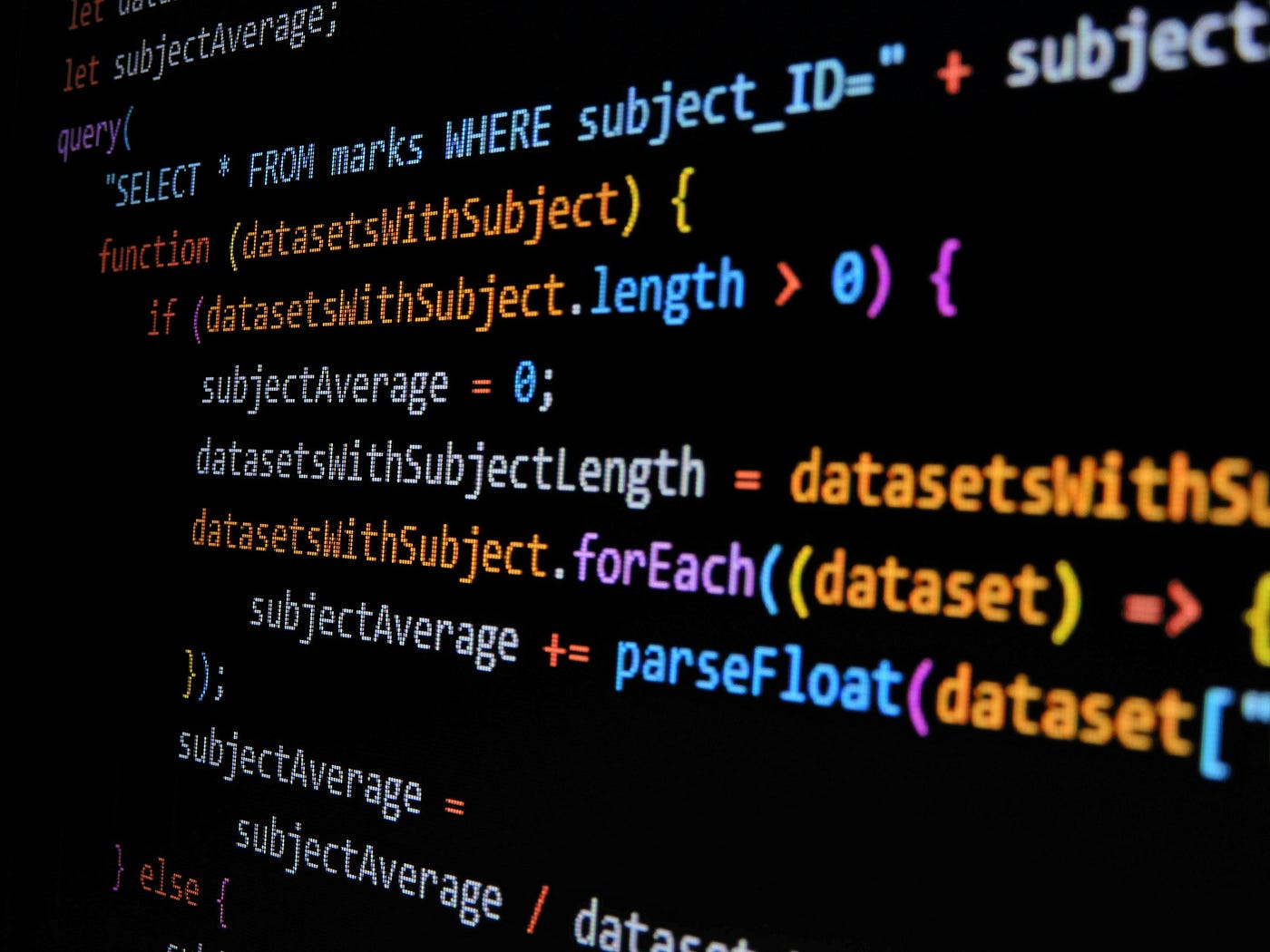
JavaScript consists of several core concepts that are essential for creating dynamic web applications. Some of these include:
- Variables: Use
let,const, andvarto store data. - Data Types: Includes strings, numbers, booleans, arrays, and objects.
- Functions: Blocks of code designed to perform a particular task.
- Conditionals: Use
if,else, andswitchfor decision-making. - Loops: Automate repetitive tasks with
forandwhileloops.
These basics form the foundation for more advanced JavaScript concepts and functionality.
Getting Started with JavaScript
Follow these steps to start adding JavaScript to your web pages:
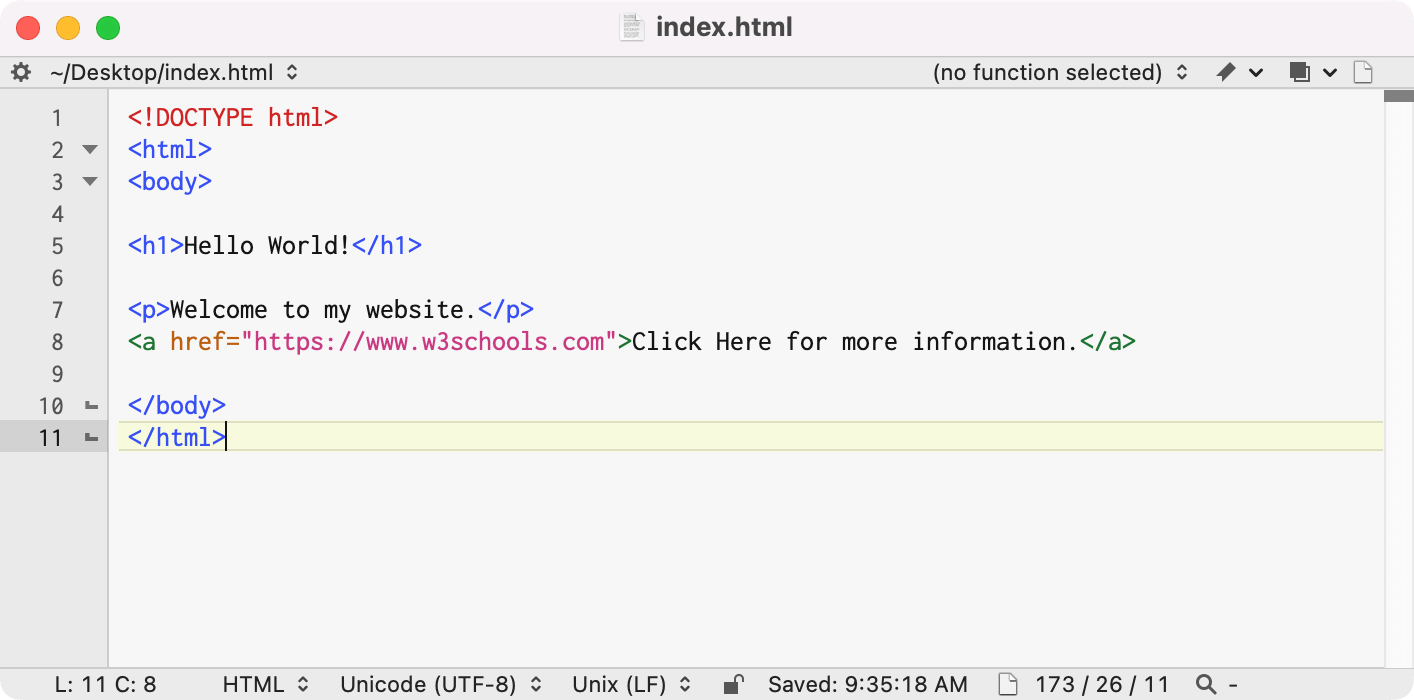
1. Set Up a Text Editor
Install a code editor like VS Code or Sublime Text to write and edit JavaScript code.
2. Write Your First Script
Add JavaScript to an HTML file using the <script> tag or by linking an external .js file.
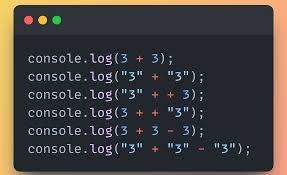
3. Use the Console
Open the browser's developer console to debug and test your JavaScript code.