
Your Company Your Company
CSS v3

CSS: Cascading Style Sheets

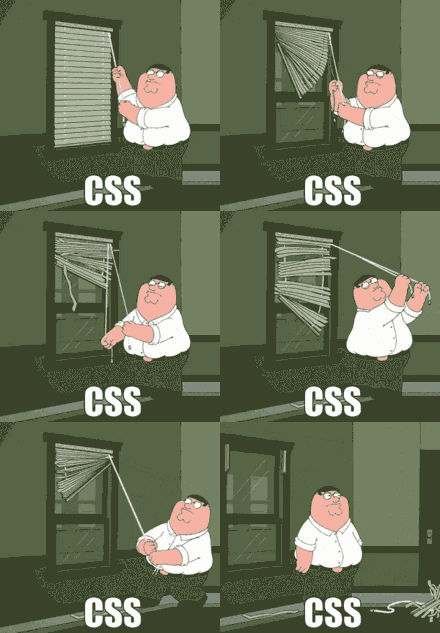
The language where you can spend hours trying to figure out why a simple thing isn't working, only to realize you forgot a semicolon ;)

Style Your Web Pages

Learn the fundamentals of CSS to style your web pages and bring your designs to life. Discover how to control the layout, colors, fonts, and more.

Getting Started with CSS

A complete guide to start your journey in web development with CSS.
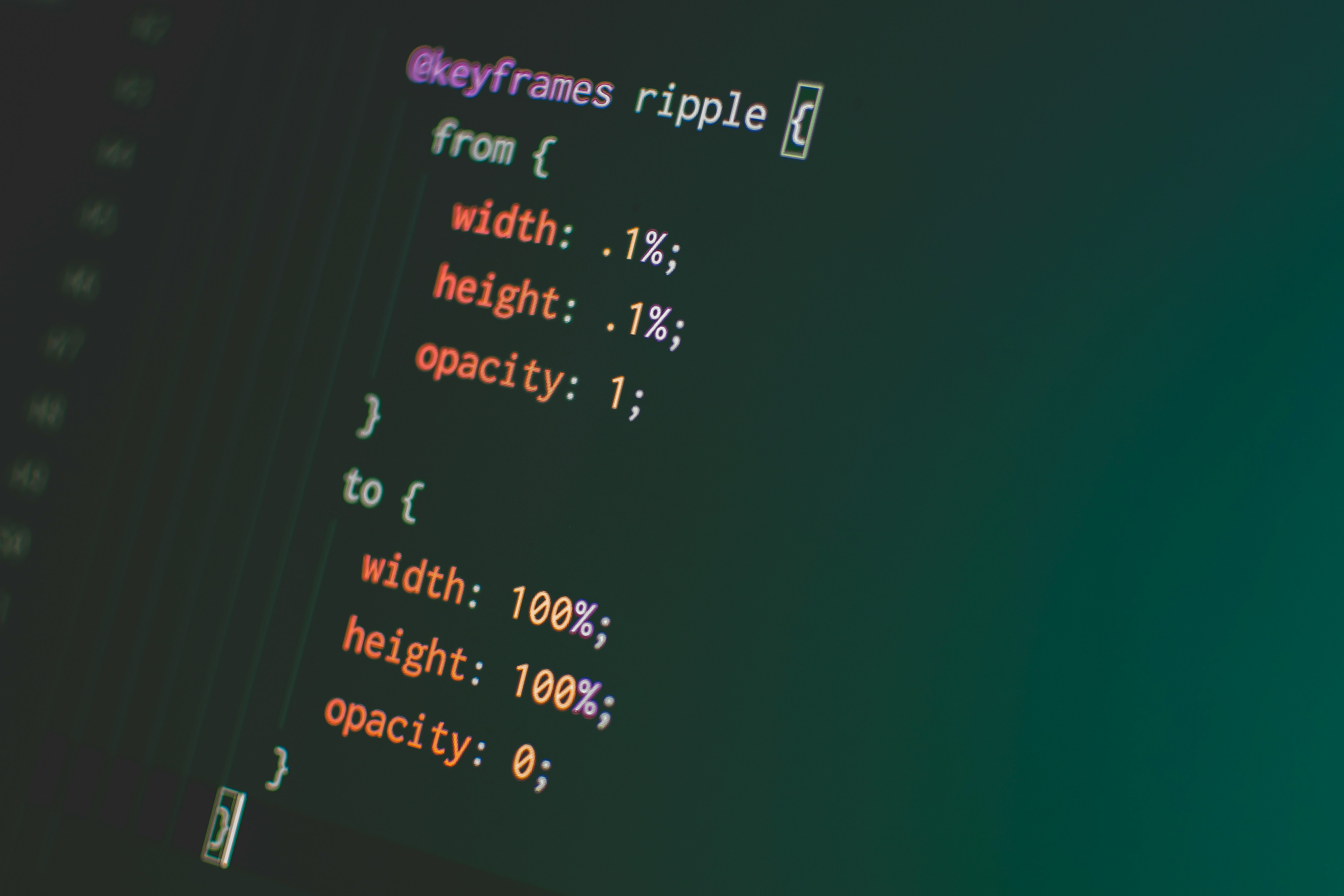
Introduction to CSS

What is CSS?

CSS (Cascading Style Sheets) is used to style and layout web pages. It controls the color, font, spacing, positioning, and more, giving your website a visual appeal.

CSS is crucial for web design, as it enables you to separate content (HTML) from presentation, making web pages more visually engaging and accessible.

Why Learn CSS?

Essential for Web Design

CSS allows you to create beautiful layouts, fonts, colors, and effects that make websites more appealing and user-friendly.

Easy to Implement

CSS is straightforward to learn and implement. With simple syntax, you can enhance your web pages instantly.

Separation of Concerns

CSS separates content from styling, making it easier to maintain and update the design of a website without affecting its content.

Responsive Design

CSS is key to creating responsive designs that adapt seamlessly to different screen sizes, from desktops to mobile devices.

CSS Basics

CSS consists of selectors, properties, and values that define how elements in HTML should be styled. For example:

  • Selectors: Target HTML elements (e.g., p, div)
  • Properties: Define the aspect of the element to be styled (e.g., color, font-size)
  • Values: Specify the style values for properties (e.g., red, 16px)

These building blocks allow you to create and customize the layout of your website.
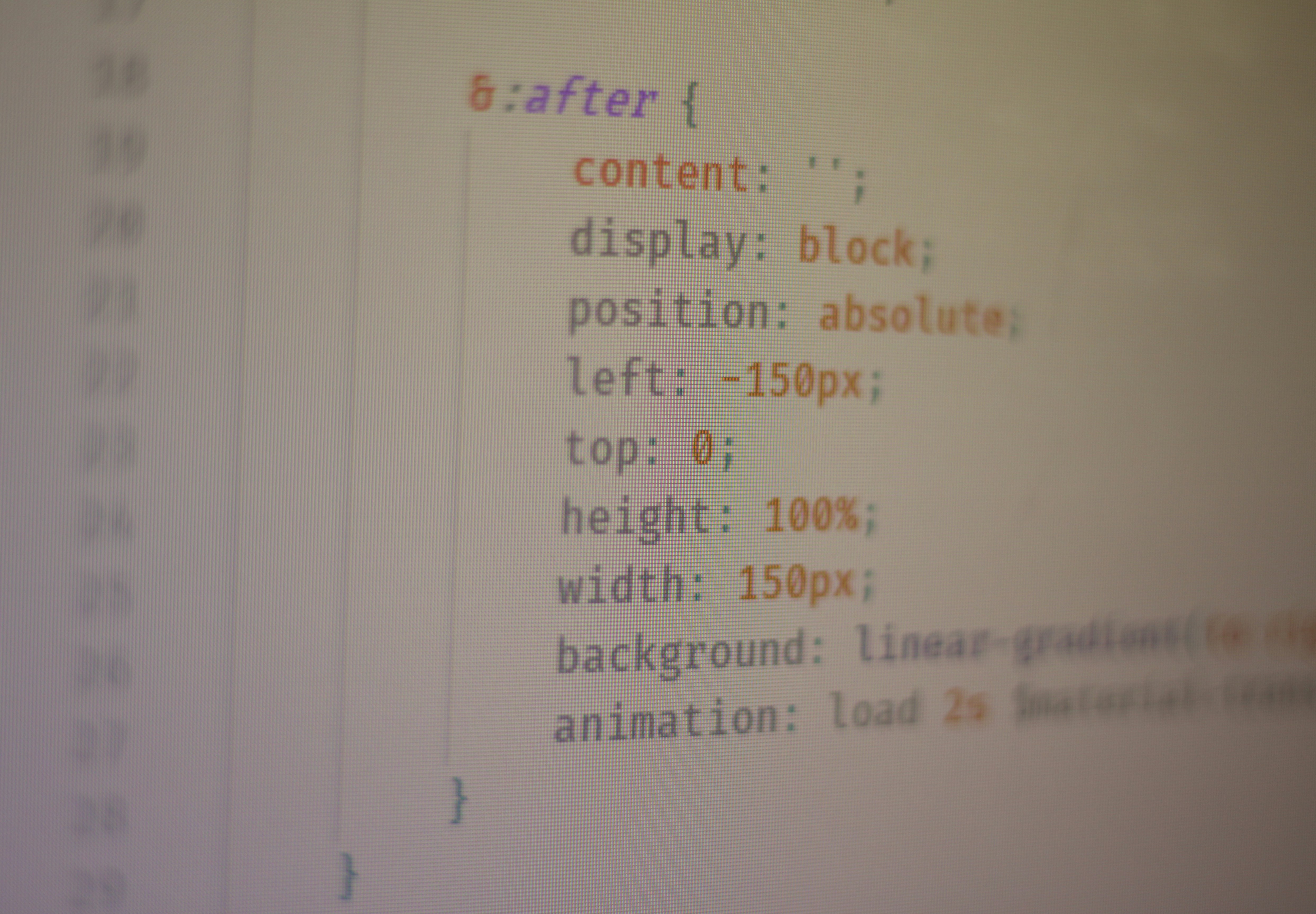
CSS Basics

Getting Started with CSS

Follow these steps to start styling your web pages with CSS:
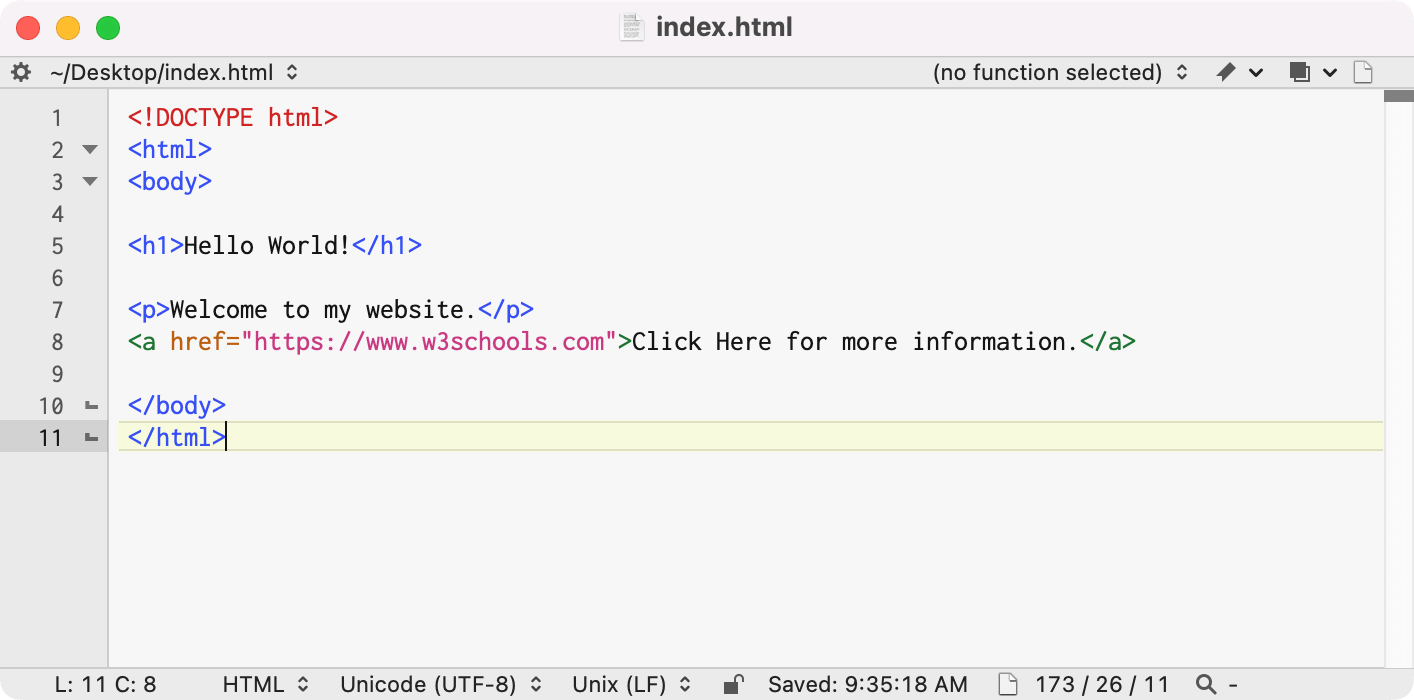
Text Editor

1. Choose a Text Editor

Install a code editor like VS Code or Sublime Text to write and edit CSS code.
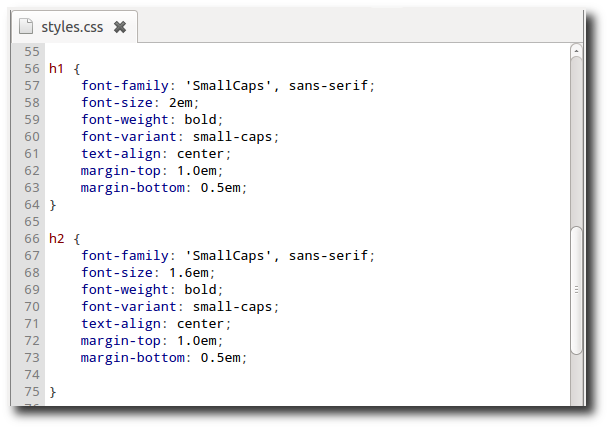
CSS Template

2. Create a CSS File

Create a new file with the .css extension to start writing CSS rules for your HTML elements.
Run CSS on Browser

3. Link to HTML

Link your CSS file to your HTML document using the <link> tag inside the <head> section.

Sample Code 01

Welcome to My Website

This is a simple HTML page structure with custom CSS styling.

Tag Definitions

  • <style> - Defines the CSS styles for the HTML document.
  • h1 - Sets the styling for the header text, including color and font size.
  • p - Defines the styling for paragraphs, including color and font size.
Sample Code 02

My Favorite Websites

Tag Definitions

  • <style> - Defines the CSS styles for the HTML document.
  • h2 - Sets the styling for the secondary heading text, including color and font size.
  • a - Defines the styling for hyperlinks, including color and hover effects.
  • button - Represents a clickable button and defines its appearance and hover effect.
Sample Code 03

Steps to Create a Simple Web Page

  1. Open a text editor.
  2. Write basic HTML structure.
  3. Save the file with a .html extension.
  4. Open the file in a browser to view.
Placeholder Image

Follow these steps to create your first web page using HTML!

Tag Definitions

  • <style> - Defines the CSS styles for the HTML document.
  • h3 - Sets the styling for the heading text, including color and font size.
  • ol - Defines an ordered list with a specified left margin.
  • img - Defines the styling for the image, including border-radius for rounded corners.
  • p - Defines the styling for the paragraph text.

CSS Learning Resources

Get started with CSS through these helpful resources!

📺 CSS YouTube Playlists

Learn CSS from some of the best YouTube playlists curated for beginners:

📝 CSS Practice Worksheets

Enhance your skills with these practical worksheets:

Summary of CSS Learnings

Congratulations on completing the CSS module! Here's a recap of what you've learned:

CSS Selectors

Learn how to target HTML elements using different types of selectors like element, .class, and #id.

Box Model

Understand the concept of the box model, which includes padding, border, margin, and content areas.

Flexbox Layout

Master the powerful Flexbox layout to create responsive and flexible page designs using properties like display: flex, justify-content, and align-items.

Responsive Design

Learn how to make your website responsive using media queries and techniques to adapt layouts to various screen sizes.

Ready to Dive into JavaScript?

Take the next step in your web development journey and unlock the full power of dynamic web functionality with JavaScript!

Explore JavaScript Course