
Getting Started with Databases
A complete guide to start your journey in database management and data-driven applications.

What is a Database?
A database is a structured collection of data that allows you to efficiently store, manage, and retrieve information. Databases are used in a wide range of applications, from websites to enterprise systems.
Databases are essential in modern applications, enabling organizations to make data-driven decisions and enhance user experiences.
Why Learn Databases?
Efficient Data Management
Databases enable efficient storage, organization, and retrieval of large volumes of data, making data management easier and more reliable.
Data-Driven Decision Making
Learning databases helps you analyze and retrieve data for insights, which supports data-driven decision-making processes in organizations.
Support for Complex Applications
Databases form the backbone of complex applications like e-commerce, social media, and enterprise solutions.
Data Security and Integrity
Databases ensure data security and integrity, making them crucial for handling sensitive information and regulatory compliance.
Database Basics
Databases consist of several core concepts that are essential for organizing and retrieving data efficiently. Some of these include:
- Tables: Structured collections of rows and columns that store related data.
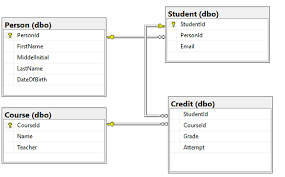
- Primary Key: A unique identifier for each row in a table, ensuring data integrity.
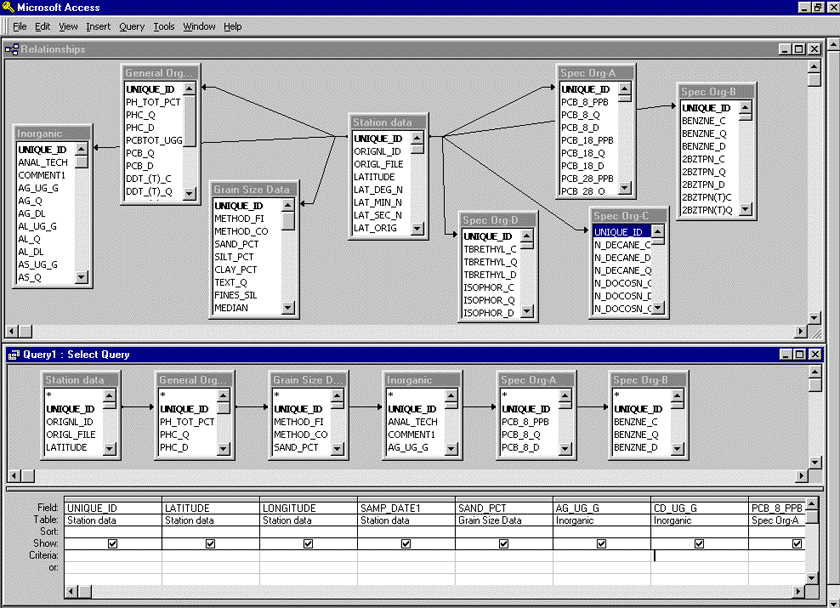
- Foreign Key: A reference to a primary key in another table, used to create relationships between tables.
- Indexes: Structures that improve data retrieval speed, making queries more efficient.
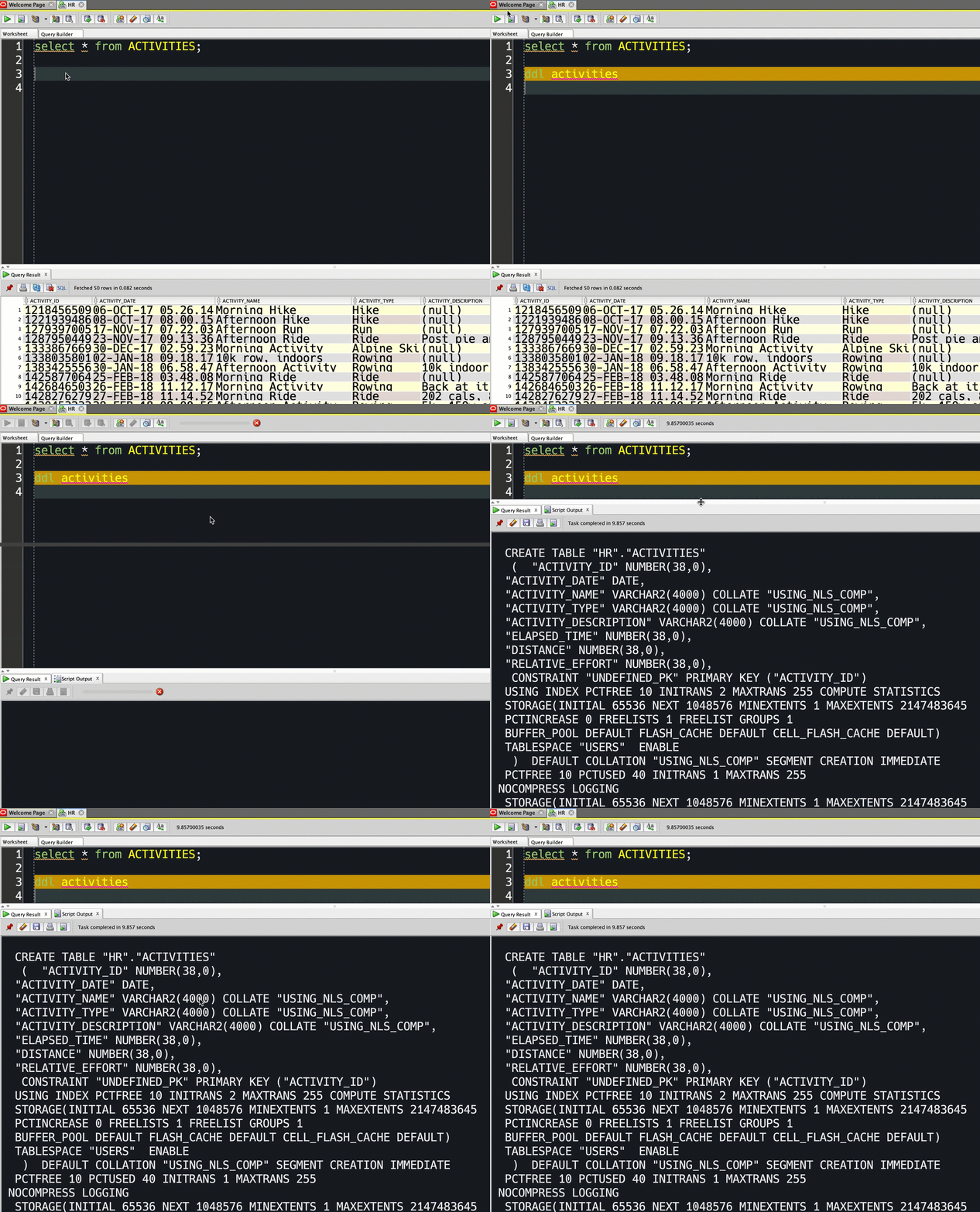
- Queries: Commands to retrieve or manipulate data, typically written in SQL (Structured Query Language).
These basics form the foundation for more advanced database management and data retrieval techniques.
Getting Started with Databases
Follow these steps to start working with databases:
1. Choose a Database Software
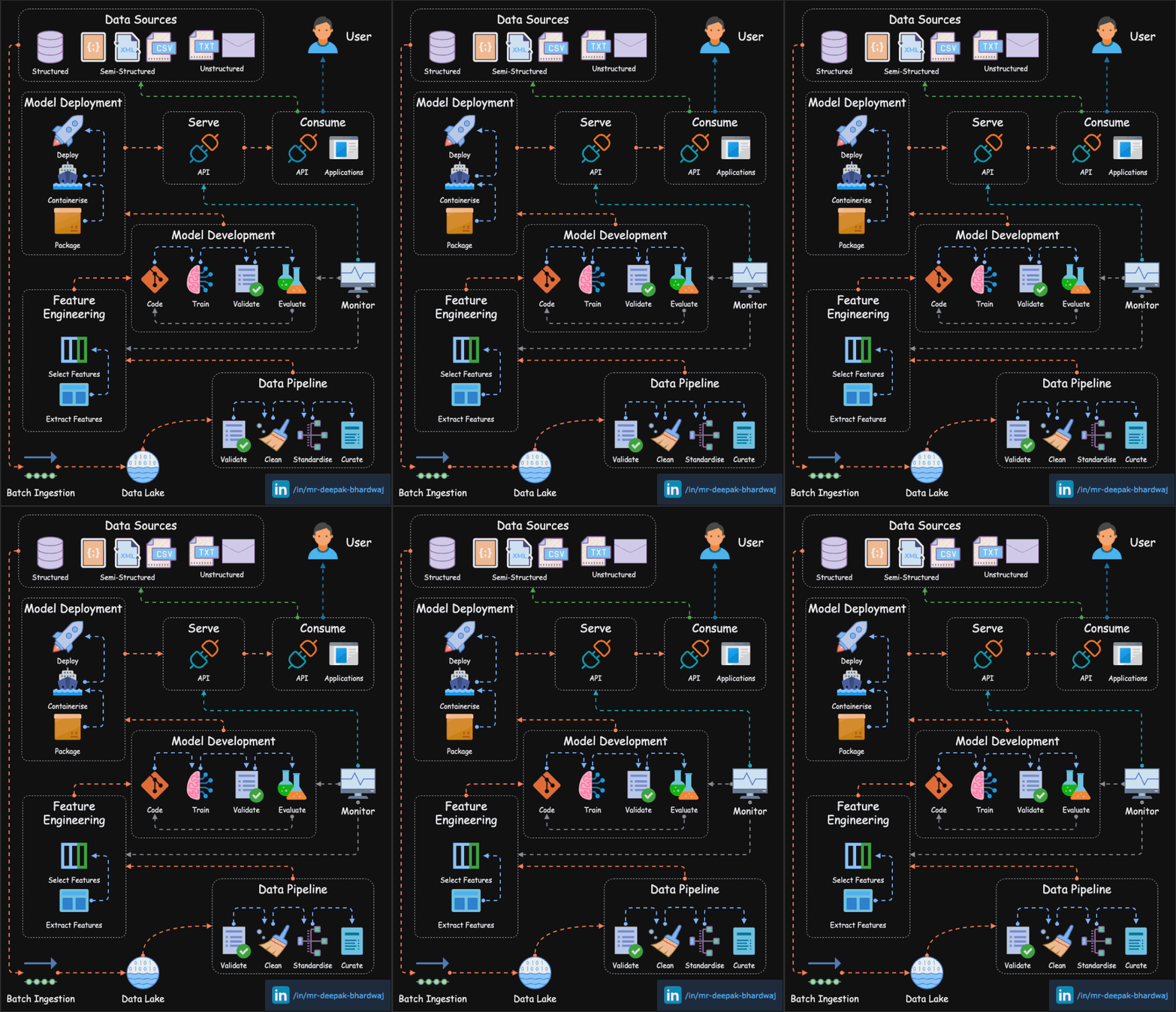
Select a database management system like MySQL, PostgreSQL, or MongoDB to store and manage your data.
2. Create Your First Database
Set up your database structure with tables and define relationships between them.
3. Write and Execute Queries
Use SQL or other query languages to insert, retrieve, and manage data in your database.